How it works
How to view and remove video metadata
Four simple steps. Everything runs in your browser, so your clips never leave your device.
Step 1
Upload your file
Drag an MP4, MOV or M4V clip into the lab, or tap Choose files to pick one from your device. Phone clips and screen recordings work the same way.
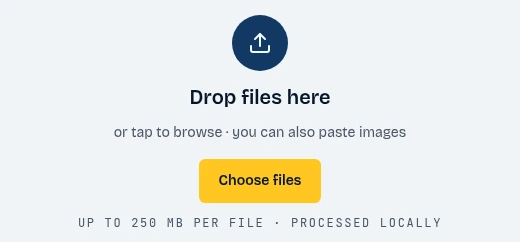
- Click Choose files
Step 2
Show the data
The report opens instantly. Browse the QuickTime atoms, XMP data, creation times and GPS tags, and check the privacy exposure score.
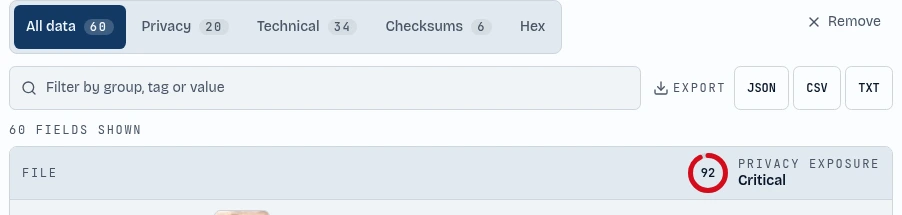
- Browse every field
- See your privacy score
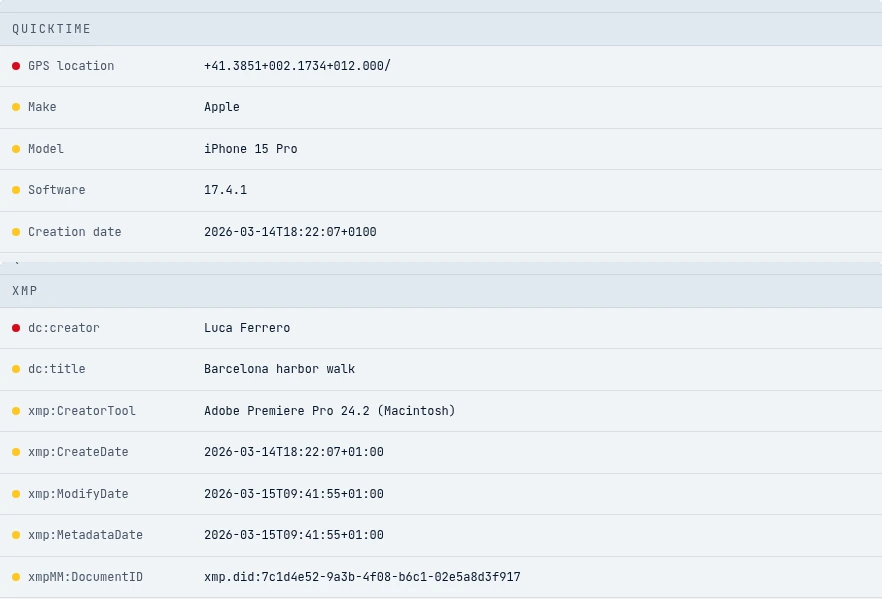
- QuickTime
- XMP
Step 3
Remove metadata
Press Clean file and the GPS location, device details and embedded XMP are stripped in one tap. The video is edited in place, so it stays fast for big clips.

- Strip all metadata
Step 4
Metadata editor
Want to keep some details? Press Edit, change the title, author, location or dates, and save the clip with your own values.
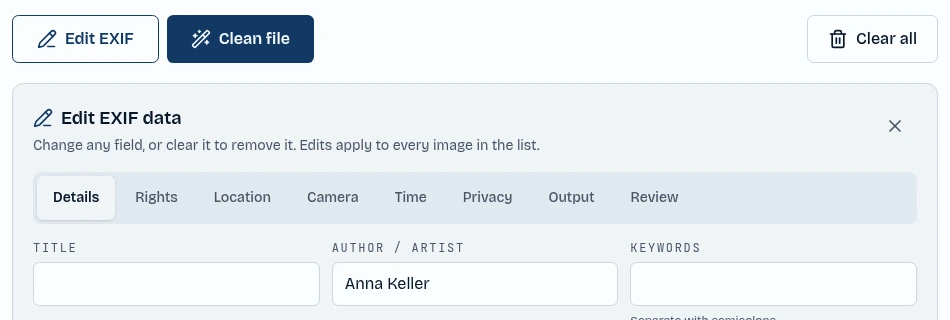
- Open the editor
- Type a new value