How it works
How to view and remove PDF metadata
Four simple steps. Everything runs in your browser, so your documents never leave your device.
Step 1
Upload your file
Drag a PDF into the lab, or tap Choose files to pick one from your device. Contracts, reports, invoices and scans all work the same way.
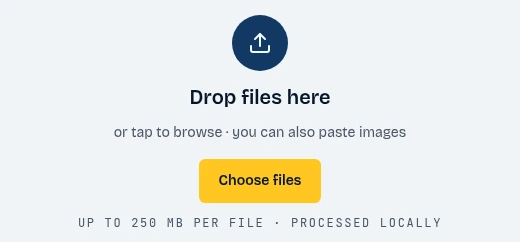
- Click Choose files
Step 2
Show the data
The report opens instantly. Browse the info dictionary, the XMP packet and the document IDs, and check the privacy exposure score to see who and what the PDF reveals.
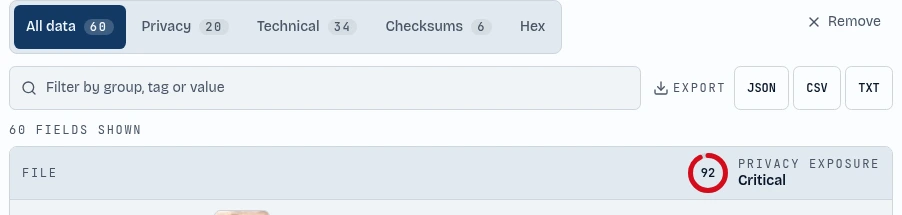
- Browse every field
- See your privacy score
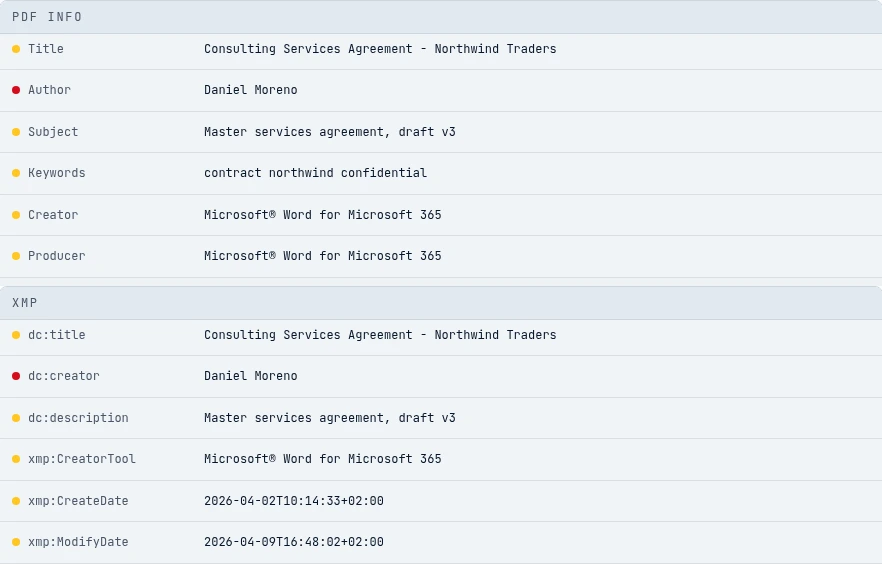
- PDF Info
- XMP
Step 3
Remove metadata
Press Clean file and the author, creator, producer, dates, XMP packet and private application data are stripped in one tap. The tool then verifies that no fields remain.

- Strip all metadata
Step 4
Metadata editor
Want to keep some details? Press Edit, change the title, author, subject, keywords or dates, and save the PDF with your own values.
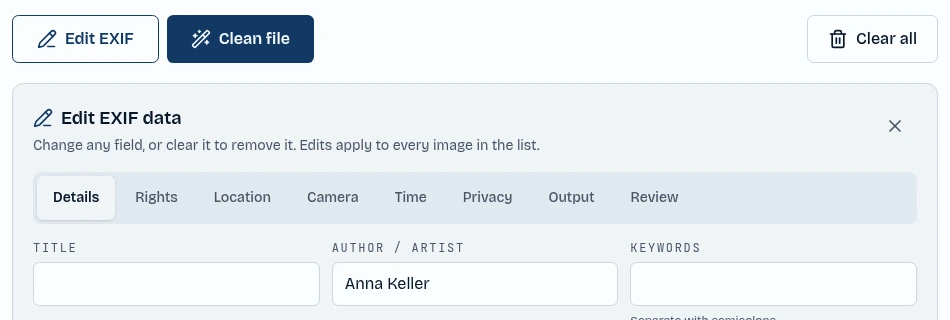
- Open the editor
- Type a new value