Skip to content
ExifTool.net

Online Documents Metadata Viewer, Remover and Editor

Word, Excel, PowerPoint, OpenDocument. Core and app properties, custom fields, revision authors, thumbnails.

Nothing here yet — add a file to begin.

How it works

How to view and remove Word, Excel and PowerPoint metadata

Four simple steps. Everything runs in your browser, so your documents never leave your device.

  1. Step 1

    Upload your file

    Drag a DOCX, XLSX, PPTX, ODT, ODS or ODP file into the lab, or tap Choose files to pick one from your device.
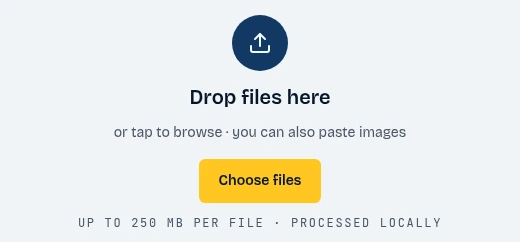
    The ExifTool.net drop zone with the Choose files button highlighted
    1. Click Choose files
  2. Step 2

    Show the data

    The report opens instantly. Browse the core and app properties, custom fields, revision authors and thumbnails, and check the privacy exposure score.
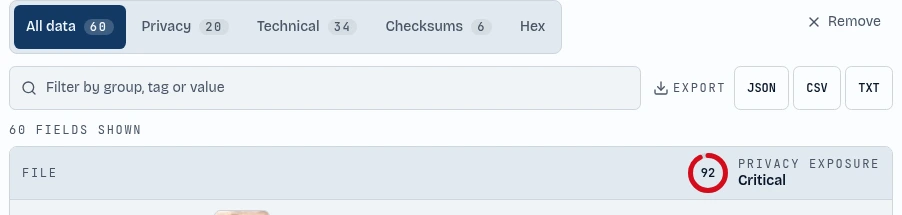
    The metadata report tabs and the privacy exposure score highlighted
    1. Browse every field
    2. See your privacy score
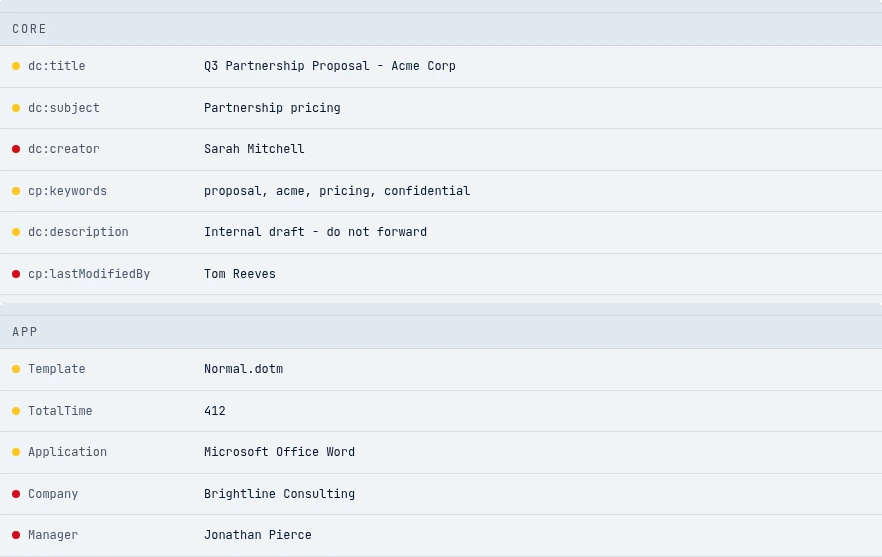
    The Core and App groups in the metadata report listing the author, last modified by, company and manager
    1. Core
    2. App
  3. Step 3

    Remove metadata

    Press Clean file and the author, last-modified-by, company, manager, revision names and preview thumbnail are stripped in one tap. The tool then verifies that no fields remain.

    The Clean file button highlighted below the fields found counter
    1. Strip all metadata
  4. Step 4

    Metadata editor

    Want to keep some details? Press Edit, change the title, author, company or dates, and save the document with your own values.
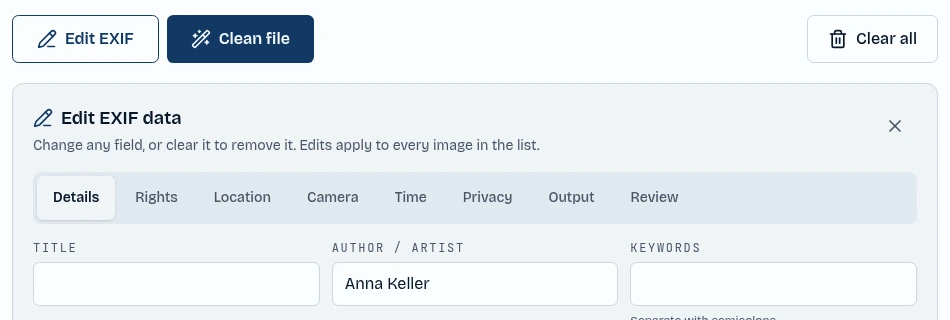
    The Edit EXIF button and the author field in the editor highlighted
    1. Open the editor
    2. Type a new value

About the tool

Online Office document metadata viewer and remover

Office documents remember who touched them. Word, Excel and PowerPoint files store the author, last-modified-by name, company, manager, creation and edit dates, total editing time and the application version. Revision and comment author names, custom properties and embedded preview thumbnails can reveal even more.

ExifTool.net reads all of this directly in your browser. Open a DOCX, XLSX, PPTX, ODT, ODS or ODP file and you get a complete, searchable report grouped by category, with a privacy score that shows how much the document reveals.

Because the file is processed locally with JavaScript, nothing is uploaded to a server. That makes it safe to review contracts, proposals and spreadsheets before you send them to a client or publish them online.

Features

Features of ExifTool.net

Everything you need to view, edit and remove metadata, in one private workspace.

View core and app properties

See the author, company, manager, dates, application version and custom fields in a filterable report.

Remove author and revision names

Strip the author, last-modified-by, company, comment and revision authors, then verify the cleaned file is really clean.

Remove preview thumbnails

Delete the embedded thumbnail that can show the first page or slide of your document.

Edit document properties

Change the title, author, company and dates, or clear any field you do not want to share.

Office and OpenDocument formats

Works with DOCX, XLSX, PPTX, ODT, ODS and ODP files.

Privacy exposure score

Every file gets a simple score from none to critical, so you know at a glance which files are risky to share.

100% private, no uploads

All parsing and cleaning runs in your browser tab. Your files never touch a server, and there is no account or sign-up.

FAQ

What metadata do Word, Excel and PowerPoint files contain?

Core properties such as author, title and dates, app properties such as company, manager and application version, custom document properties, revision and comment authors and an optional preview thumbnail.

Will cleaning change my document content?

No. Only the metadata is removed. Text, formulas, slides, images and formatting stay exactly as they were.

Which document formats are supported?

DOCX, XLSX, PPTX, ODT, ODS and ODP. Legacy binary formats such as DOC and XLS should be saved in a modern format first.

Does it remove tracked changes authors?

Revision and comment author names found in the file properties are detected and cleaned. Review tracked changes inside the document itself before sharing.

Is my document uploaded anywhere?

No. ExifTool.net processes everything locally with JavaScript in your browser. Your documents never leave your device.